AI album cover generator
Give your next release an image of its own.
Describe a subject, choose a visual direction and explore original artwork in the AI cover studio. Pick an image, add your artist name and title, then save the cover with the song.
AI generation is rolling out. Your account shows current availability and allowance before you generate.
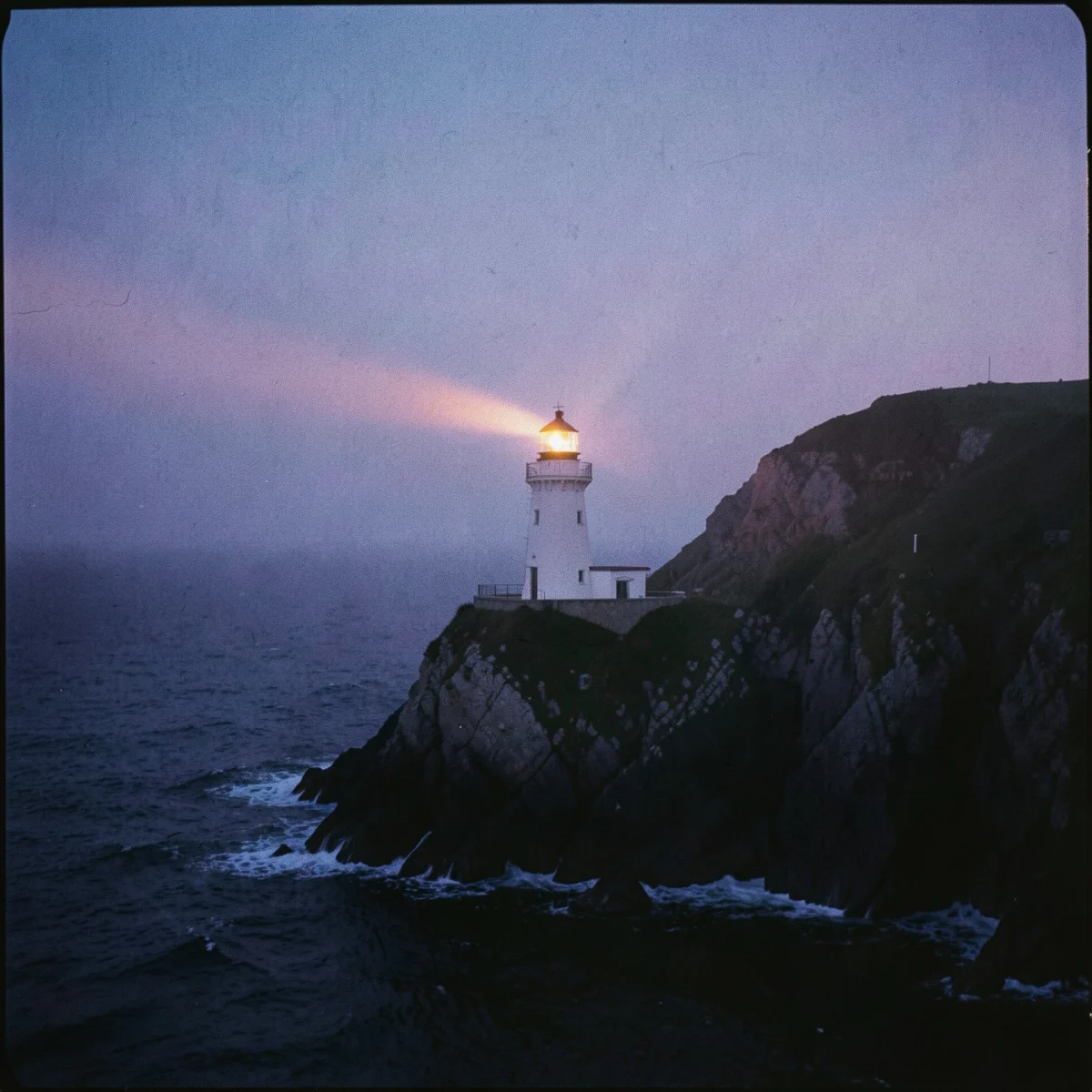
Start with the feeling of the record.
Describe the scene
Write a clear subject and setting. Add the mood and color direction you want to explore, then choose a visual preset. Specific instructions give you a more useful starting point than a vague request for an album cover.
Explore the images
The studio generates a round of four images. Choose a result you like or use More like this to explore another round from that image. The allowance is shown in the editor, including any purchased top-up images.
Set the typography yourself
The artwork and the type are separate. Add your artist name and release title using the cover editor’s typography controls, so you can change the wording without generating another image.
Keep it with the music
The cover belongs to a song in your workspace. Save the selected image and type, reopen it later and download the composed cover. Check your distributor’s current artwork requirements before delivery.
AI artwork questions.
How does the AI album cover generator work?
Choose a song in your artist workspace, describe the scene and choose a visual direction. The AI studio generates artwork from those instructions. Select an image, then add your title and artist name with the separate typography controls.
What does Unlimited include?
When AI generation is available, Unlimited includes eight images a day, generated in rounds of four. The allowance resets at midnight UTC. The studio displays the balance before you start; optional top-up images are separate.
Can I add a title and artist name?
Yes. Choose an image, then use the separate type controls to compose the artist name and title. Review spelling and legibility at thumbnail size before saving.
Does every account have AI generation yet?
The studio is rolling out, and availability can also depend on the service’s daily capacity. Your account shows an unavailable or allowance message when generation cannot start.
Find the visual direction for your next song.
Explore the studio from Tools, choose a song and see the available generation options in your account.